Updated 5 min readRelease
Introducing panda flush
The best-in-class upscaler for retail. Panda flush adds real resolution to product images and keeps the garment exactly as it was: its color, its print, its labels and its logos. In blind side-by-side tests it was picked more than twice as often as the leading commercial upscaler.
Panda flush takes a finished product image and returns it at two or four times the resolution, sharp enough for zoomable product pages, marketplaces, print and large-format campaigns, without changing a single thing about the product. It is the first model in the panda family to ship.
Built for products, not pretty pictures
General-purpose upscalers are built to make images look sharper, and they often get there by inventing detail. On a product image that is a problem, because the invented detail lands on the product. A plain tee picks up a texture it never had, a printed logo turns into near-miss lettering, and a care label stops matching the one on the shelf. The image looks better and the product is wrong.
What a general upscaler invents
Here is that problem up close: the same product photos, upscaled by a general-purpose upscaler on the left and by panda flush on the right. The general one rewrote a hang tag into letters that were never there, turned a printed logo into blocks, gave a ribbed knit a speckled texture and drew a heavier weave onto denim. Panda flush kept every one of them as it was.
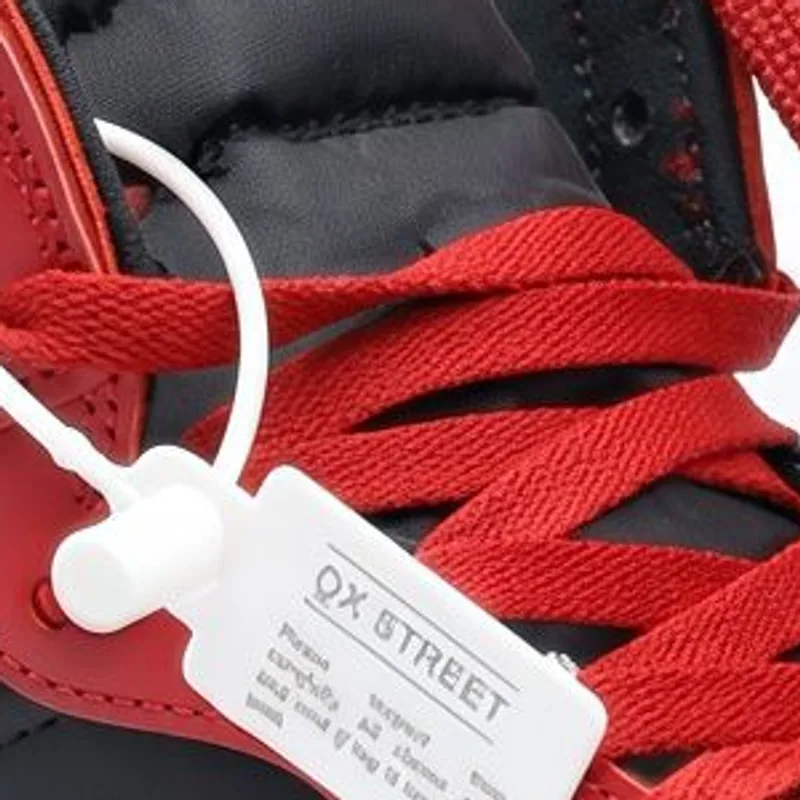
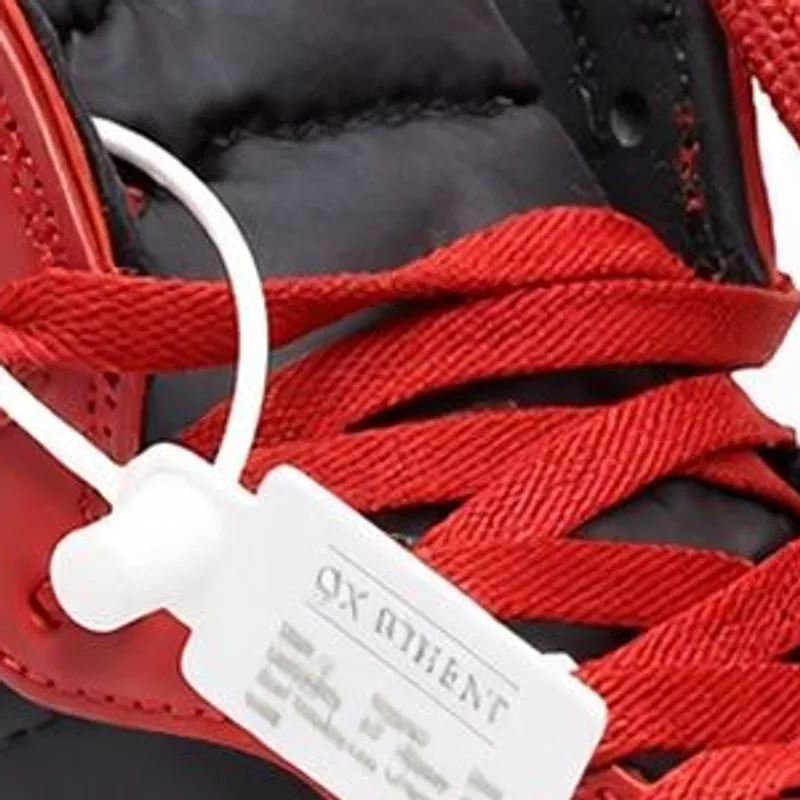 ⇆General upscalerPanda flush
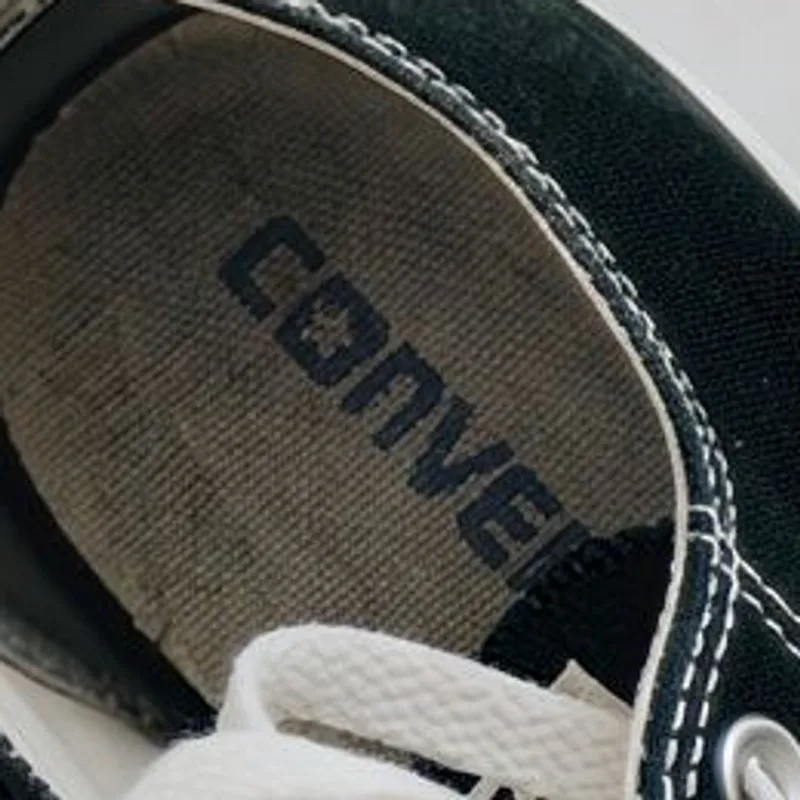
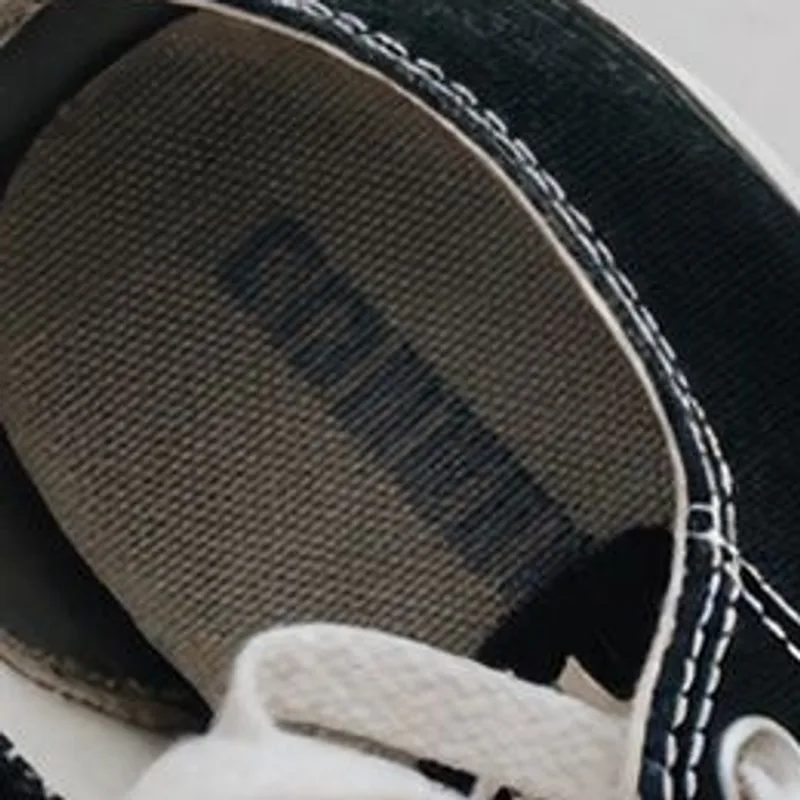 ⇆General upscalerPanda flush
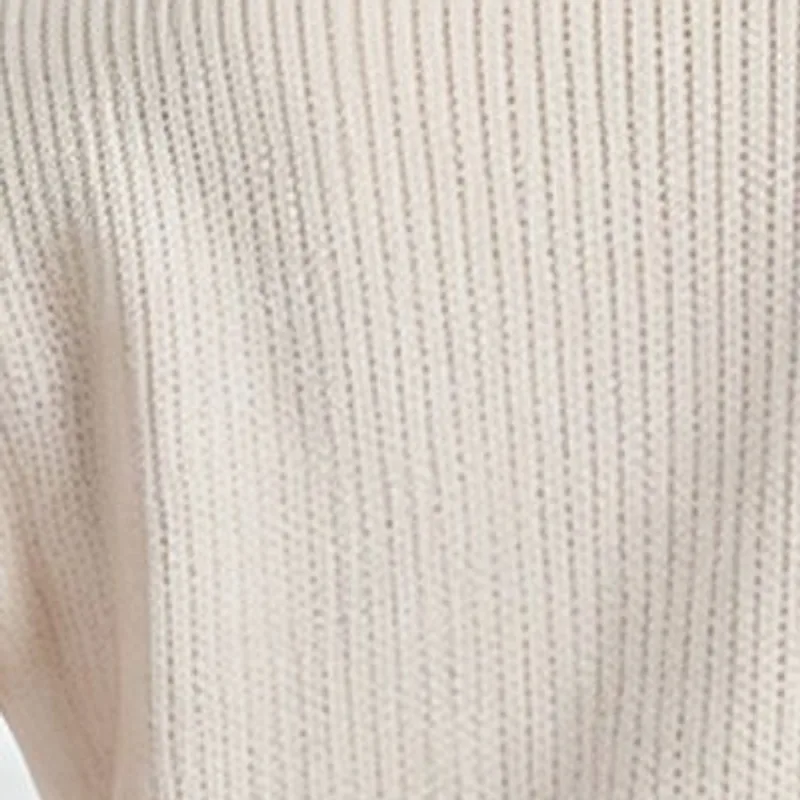
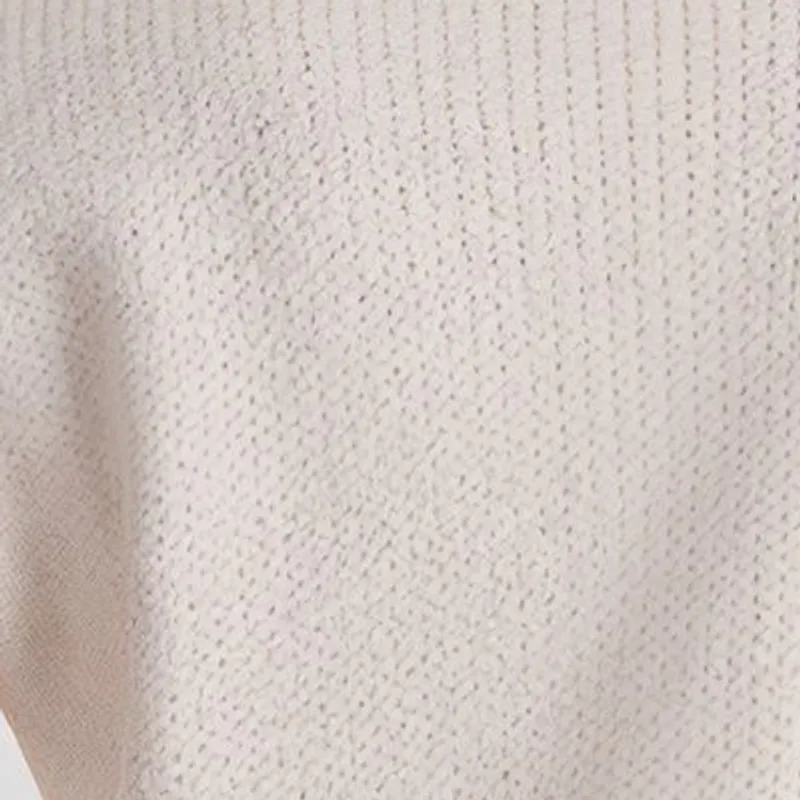 ⇆General upscalerPanda flush
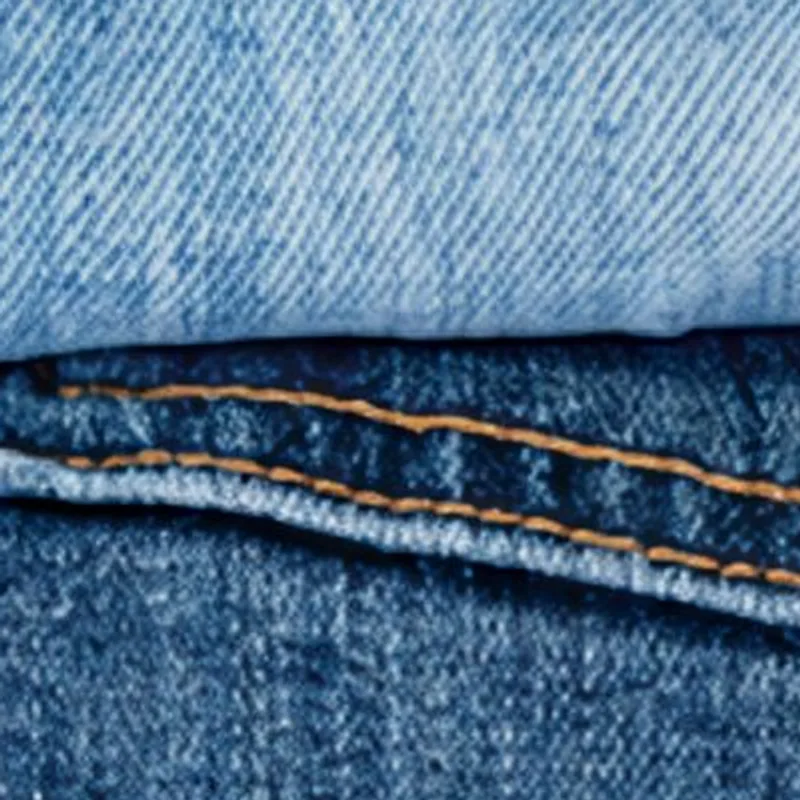
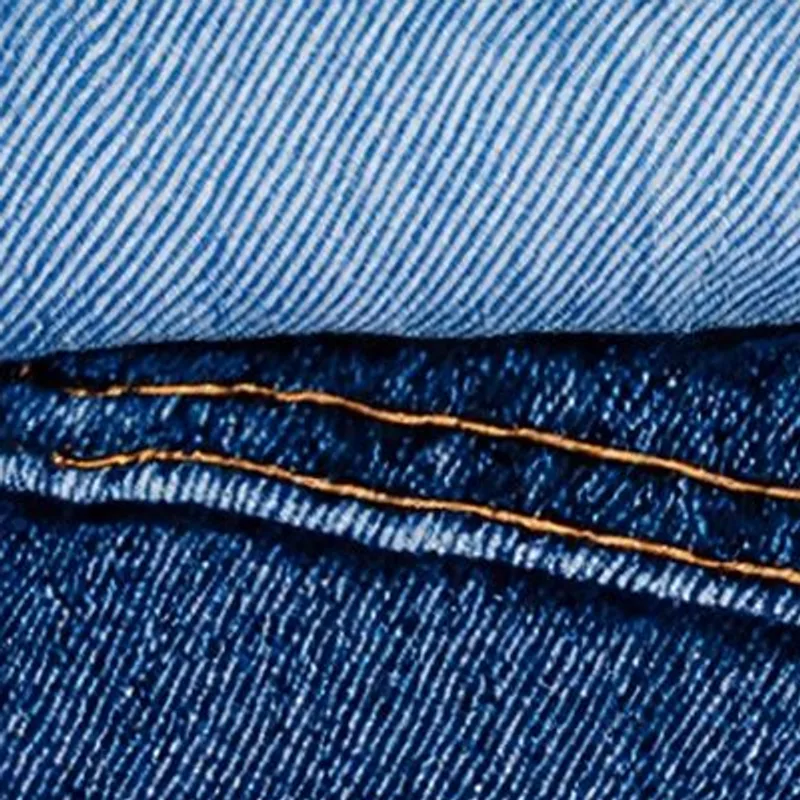 ⇆General upscalerPanda flush
Resolution, not content
Panda flush follows the opposite rule: it adds resolution, not content. Colors, prints, construction details, labels and logos come out as they went in, only sharper. Fabric keeps the texture it had, faces and skin stay as they were, and anything that was not in the original image stays out of the upscaled one. It handles the full range of catalog photography, from on-model shots and mannequins to flat lays and detail crops.
See the difference
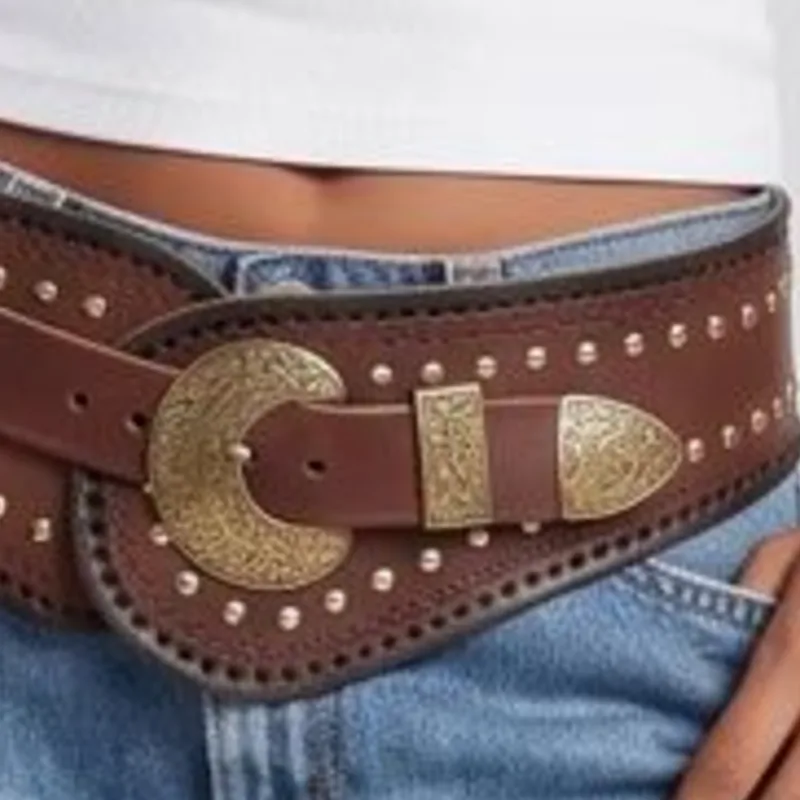
Drag across each image. On the left, the original photo enlarged the plain way. On the right, the same detail from panda flush. Stitching, engraving, lettering and skin come back sharp, and it is still exactly the same product.
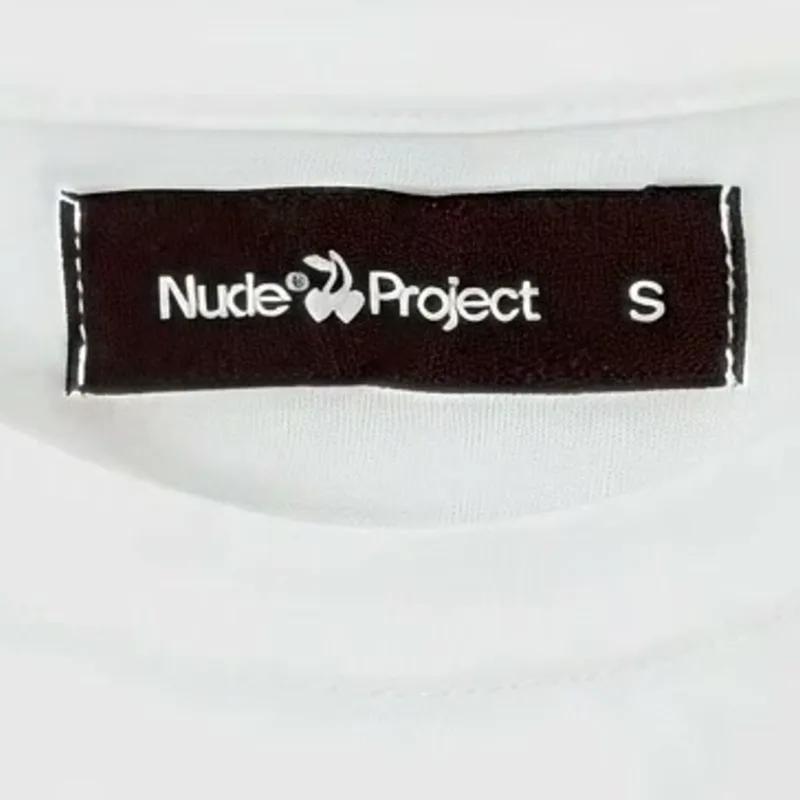
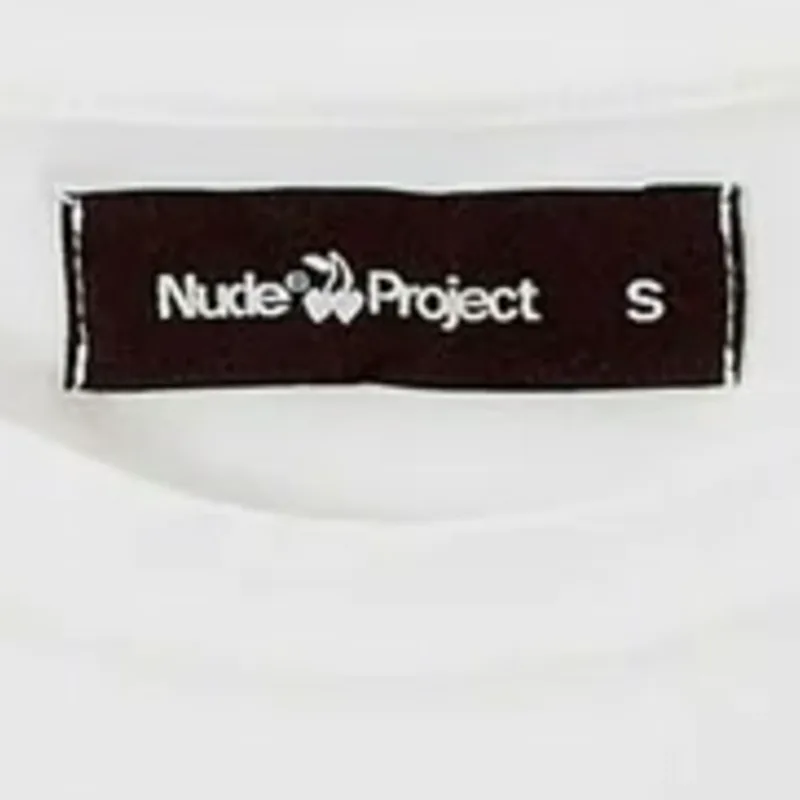 ⇆BeforePanda flush
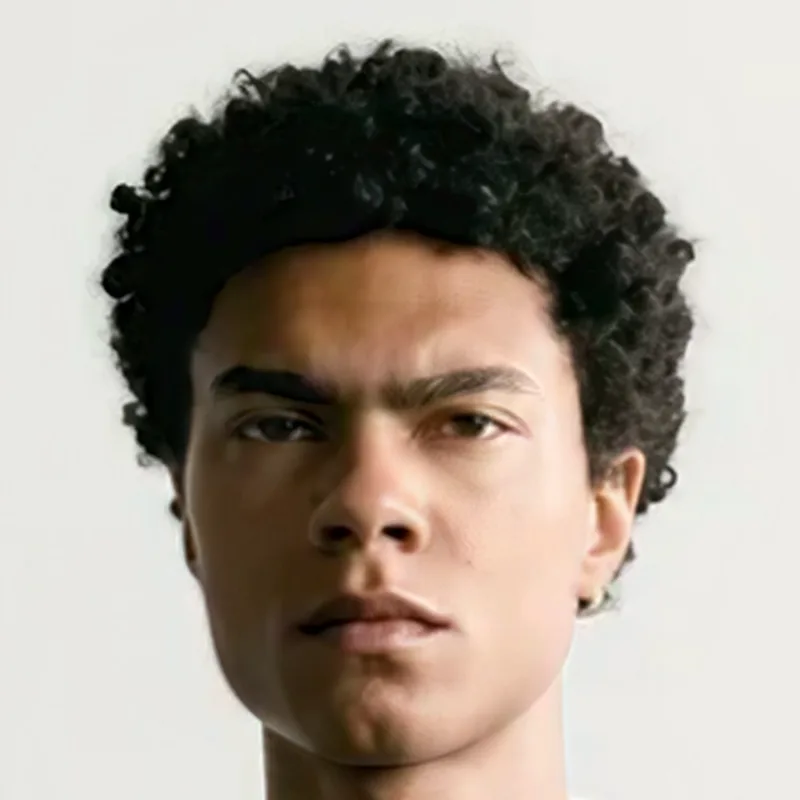
 ⇆BeforePanda flush
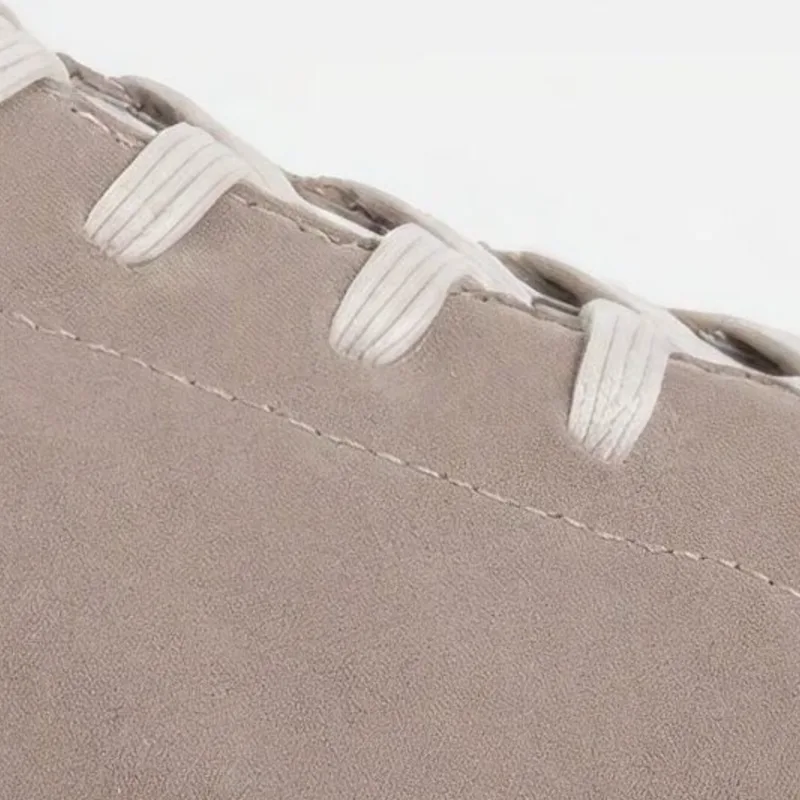
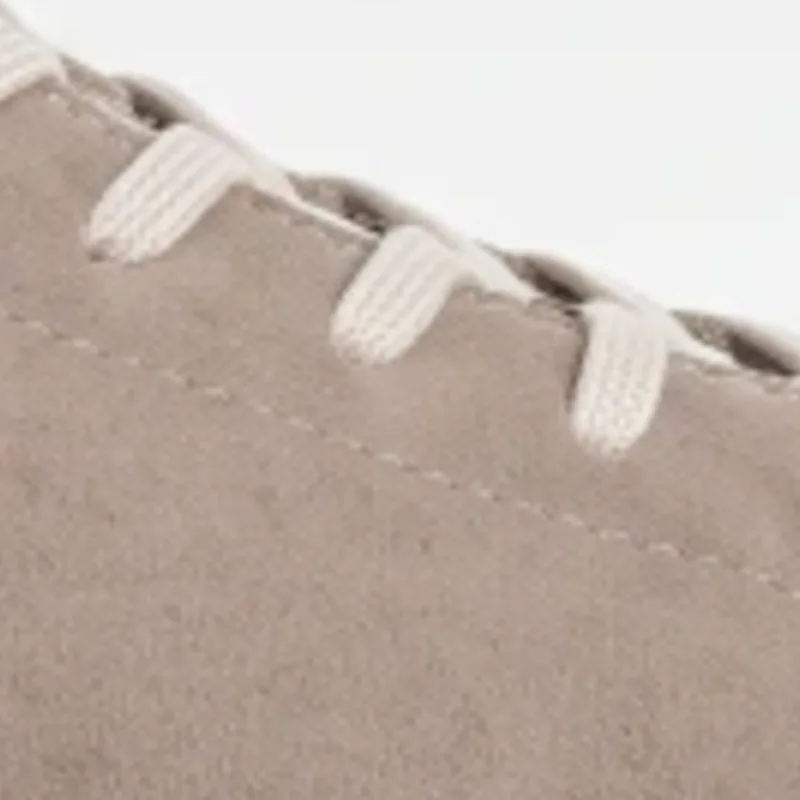 ⇆BeforePanda flush
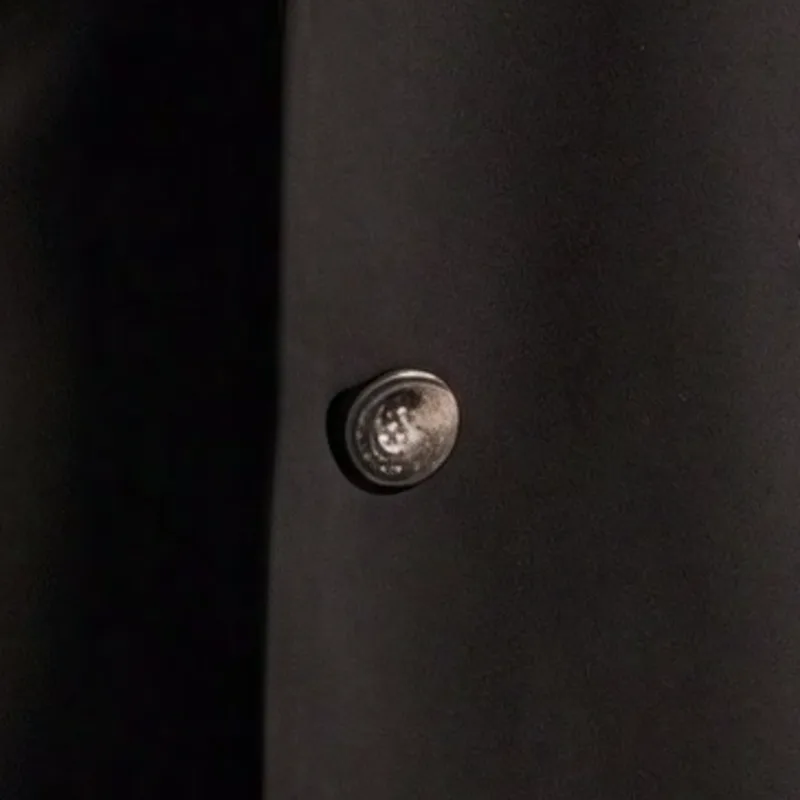
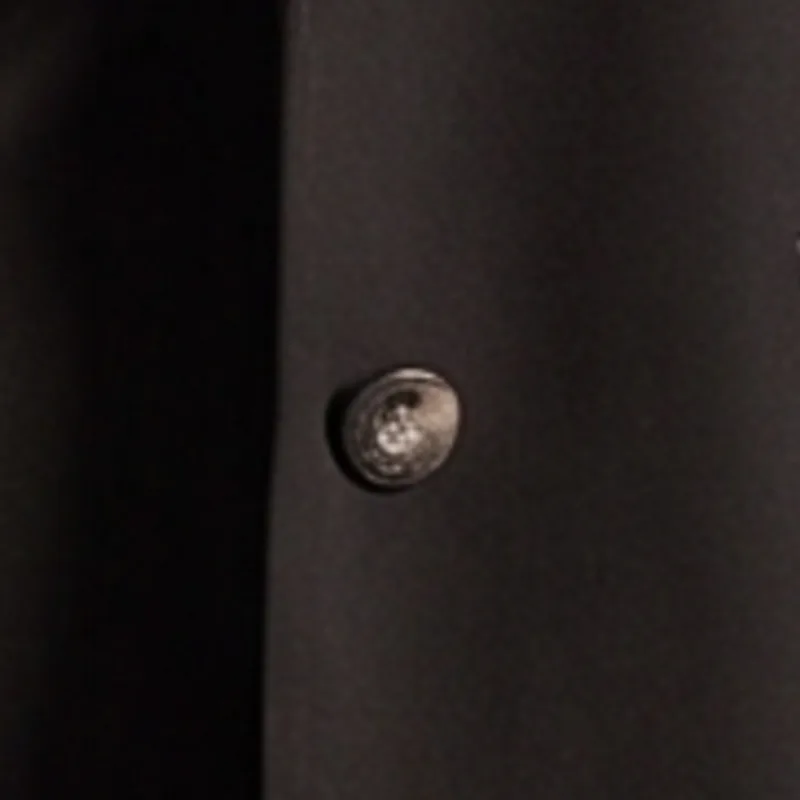 ⇆BeforePanda flush
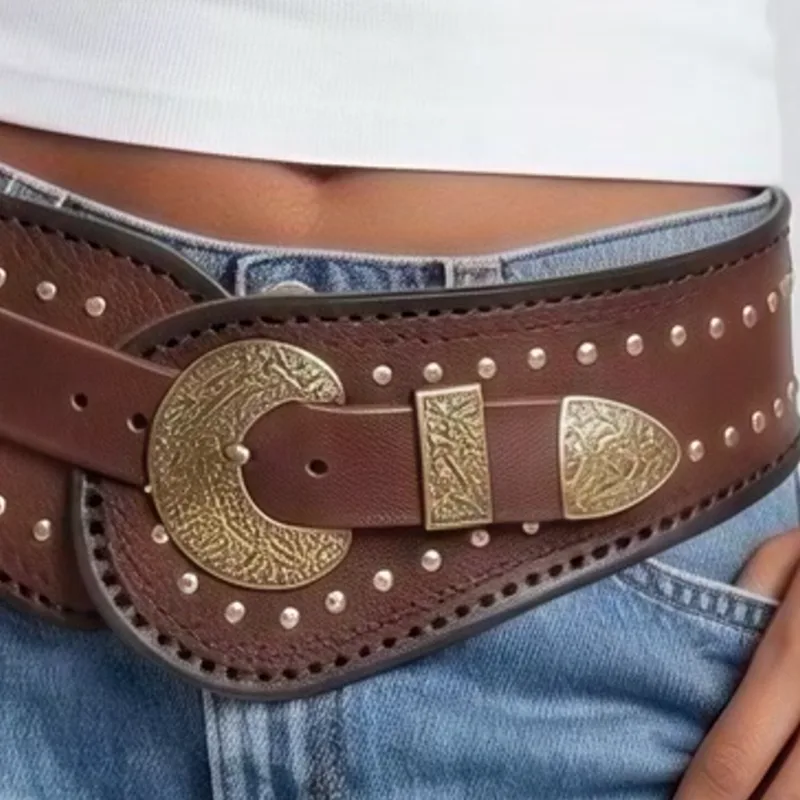
 ⇆BeforePanda flush
Every kind of catalog image
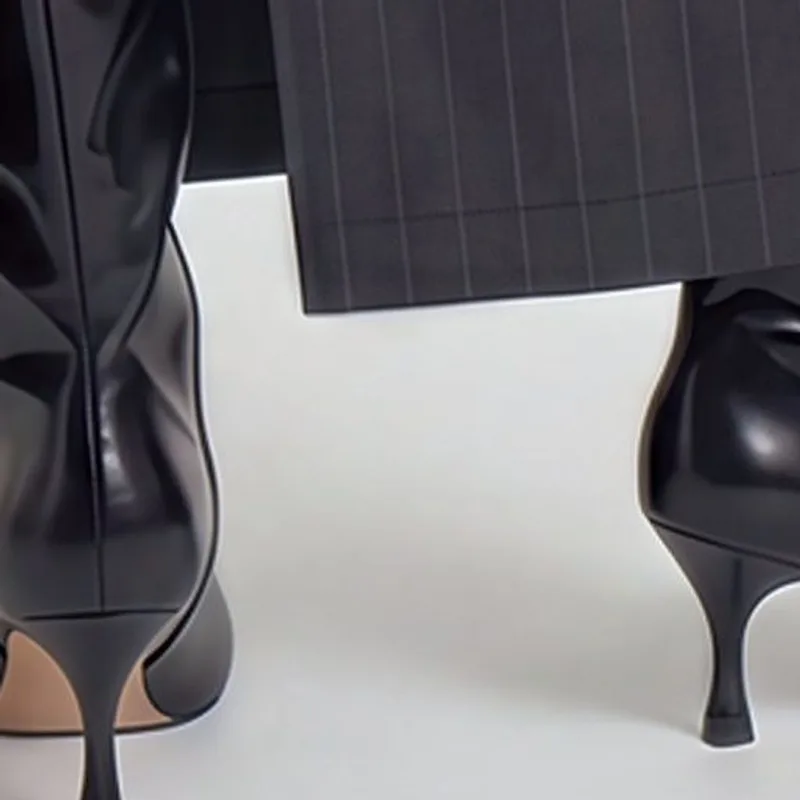
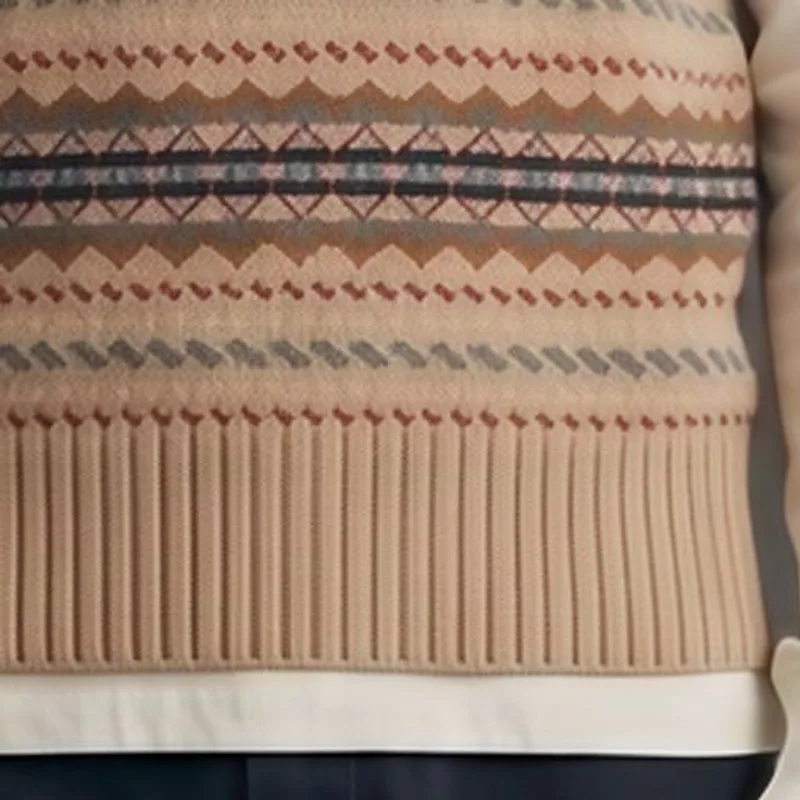
On-model shots, knitwear, tweed, leather, footwear and jewelry each break in their own way when an image is enlarged. Panda flush handles all of them with the same rule: more resolution, same product.
 ⇆BeforePanda flush
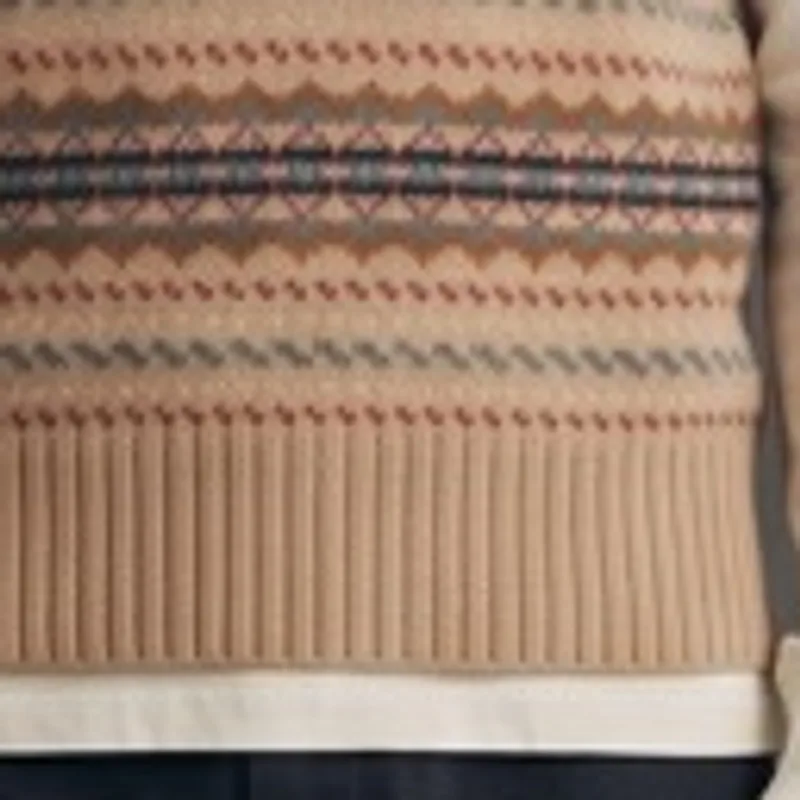 ⇆BeforePanda flush
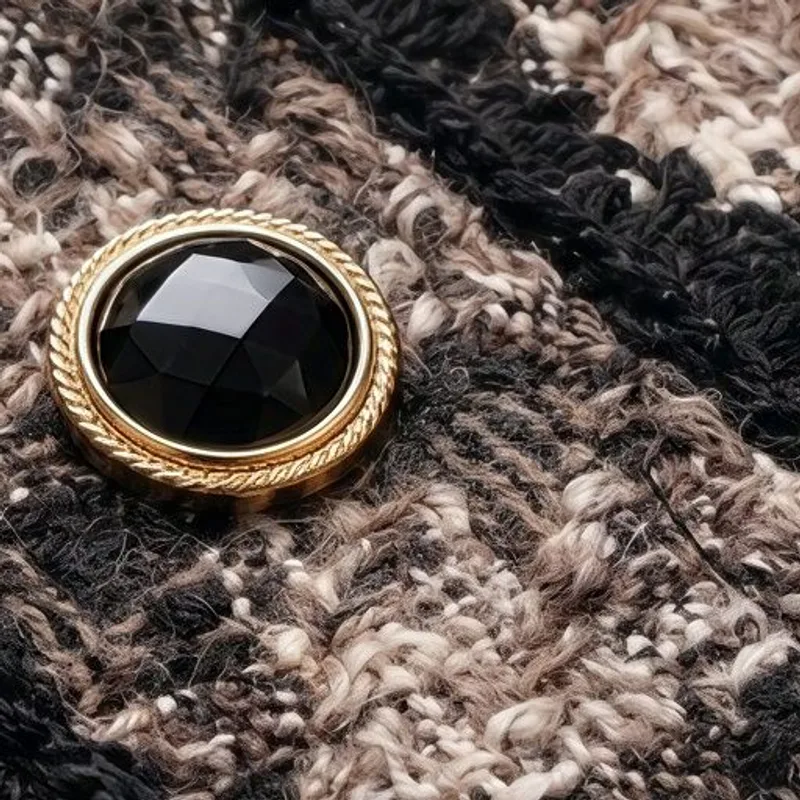
 ⇆BeforePanda flush
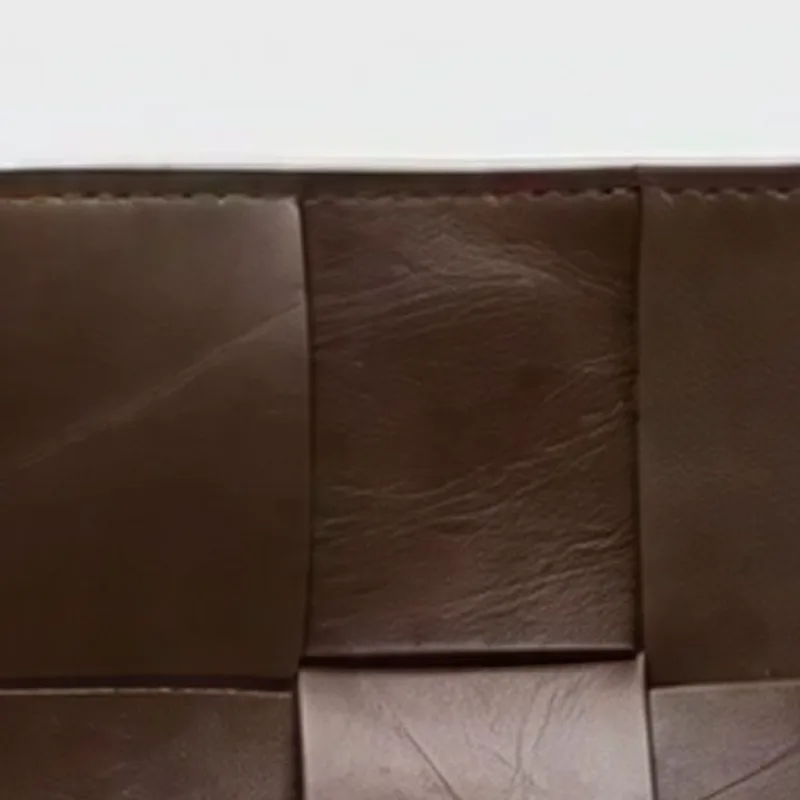
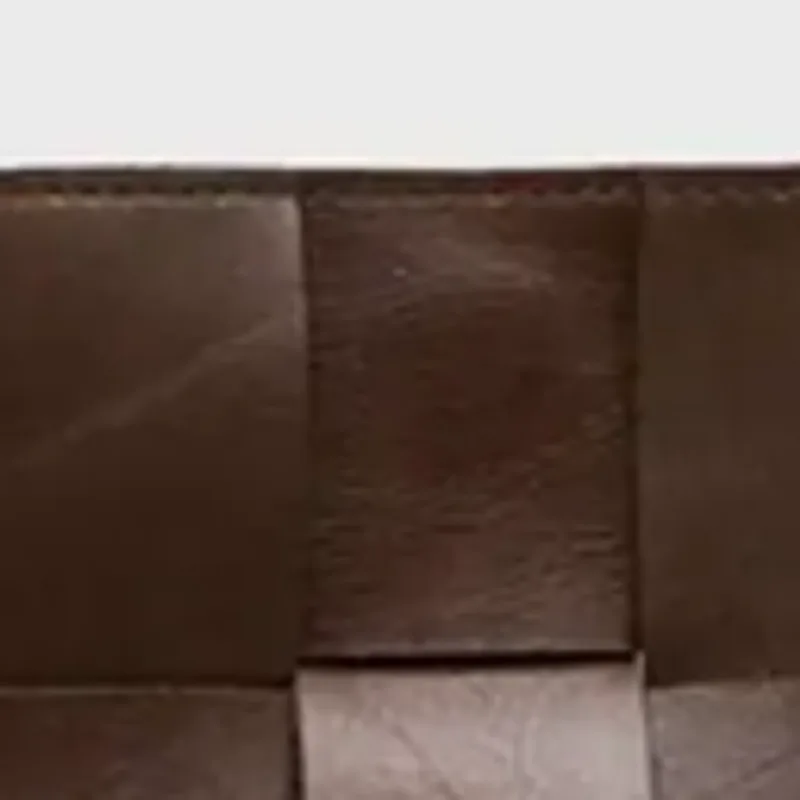 ⇆BeforePanda flush
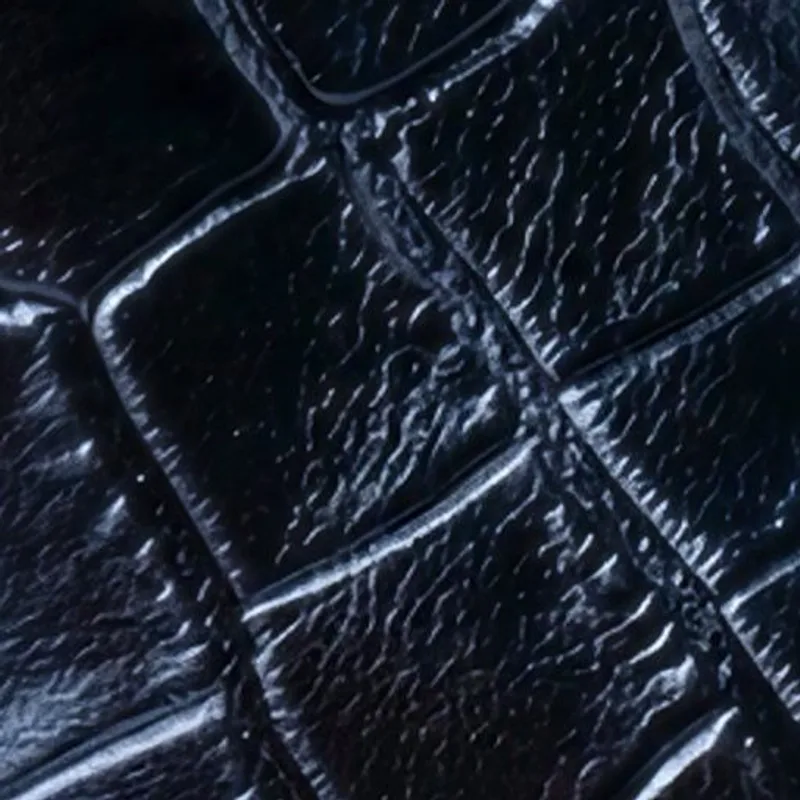
 ⇆BeforePanda flush
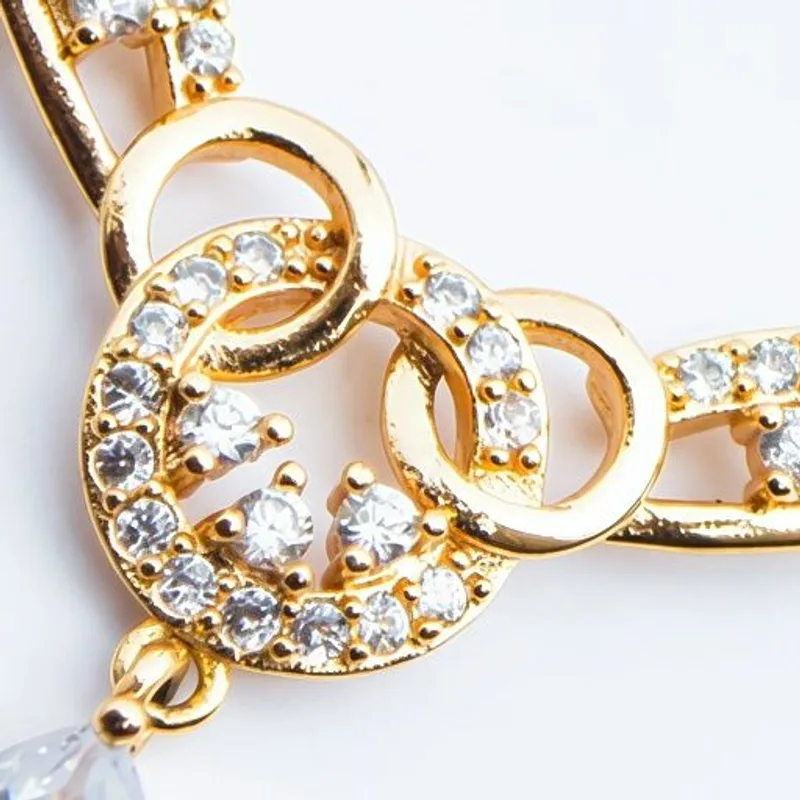
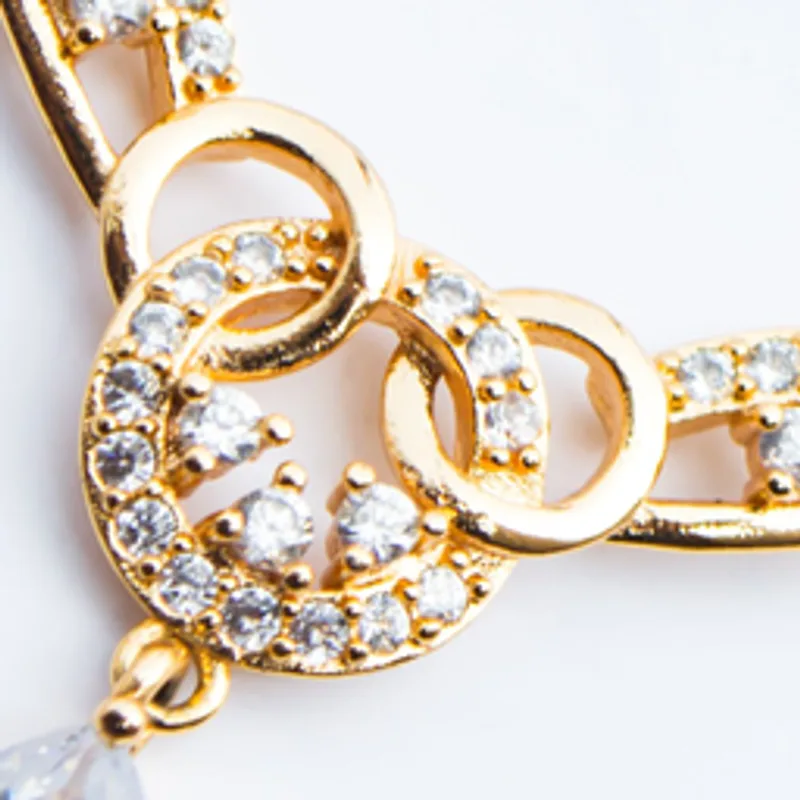 ⇆BeforePanda flush
Zoom all the way in
This photo started at 725 by 900 pixels, under one megapixel. Panda flush took it to 2,900 by 3,600. Click anywhere on it to see it at full size, then move around the knit.
How it works
Panda flush starts from the image you already approved and works only from what is in it. There is no prompt to write and nothing to tune. It adds resolution and nothing else, so the garment, the label and the face that come out are the ones that went in.
Picked more than twice as often
We put panda flush head to head with the leading commercial upscaler on real product images, from on-model shots to flat lays and accessories. Every comparison was blind, with one question: which one would you put on a product page? Panda flush was picked more than twice as often, and its lead was biggest on flat lays, garments on plain backgrounds and full on-model shots.
From one photo to a four-metre banner
A single 83-megapixel studio portrait had to become a 429 by 285 cm banner at 120 dpi. Panda flush took it there: a print-ready file of 274 megapixels, sharp from edge to edge.
Viewed at 100%, knit ribs, a floral print and a hoodie collar stay crisp, and the white background stays exactly the white it was.
Half the cost per product
With a fashion retailer, we generated catalog images at 1K instead of 2K and let panda flush deliver the final size. Compute per product dropped by more than half.
Where it fits
- Supplier and archive photos. Bring small images from suppliers or past seasons up to today's sizes, without a reshoot.
- Product pages and marketplaces. Give shoppers a zoom that shows fabric, stitching and labels up close.
- Print and out-of-home. Lookbooks, in-store posters and four-metre banners, from the photos you already have.
- Generate small, deliver big. Generate at 1K and upscale to the final size, for a fraction of the cost of generating large.
Questions
- Will panda flush change my product?
- No. It adds resolution and nothing else. Colors, prints, labels and logos come out exactly as they went in.
- Which photos work best?
- Any finished product image: on-model shots, flat lays, mannequins, footwear, accessories and detail crops.
- Can I use it on images generated in Wearly Studio?
- Yes. Generate at the size that is fastest and cheapest, then take the final image to full size with panda flush.
- Is it good enough for print?
- Yes. Panda flush has taken a single photo to a 429 by 285 cm banner at 120 dpi.
Try it
Pick any image in Wearly Studio, choose Panda Flush 2x or Panda Flush 4x, and run it. No prompt to write, no settings to tune, nothing regenerated.
Try panda flush